Microtek MS4 User Manual Page 10
- Page / 43
- Table of contents
- BOOKMARKS

- User's Manual 1
- Copyright 2
- Disclaimer 2
- Trademark Recognition 2
- About this manual 4
- Table of contents 5
- GETTING STARTED 6
- Front-right view 7
- Top view 8
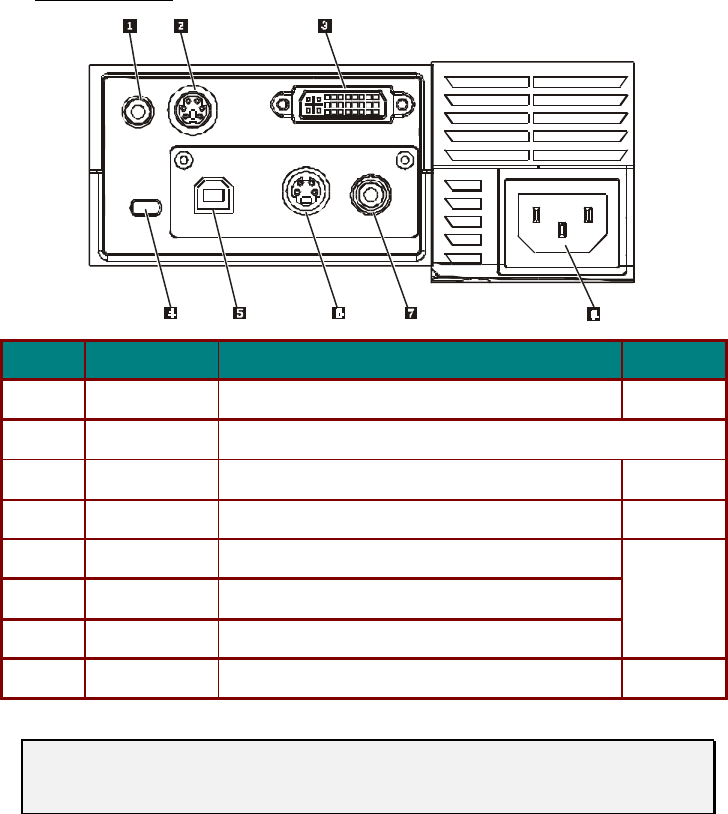
- Connectors view 10
- Bottom view 11
- Remote Control Parts 12
- ETUP AND OPERATION 15
- Adjusting the Volume 20
- Navigating the OSD 21
- Setting the OSD Language 22
- Main Menu 23
- Setup Menu 24
- Config Menu 25
- Utility Menu 26
- Language Menu 27
- Status Menu 28
- MAINTENANCE AND SECURITY 29
- Resetting the Lamp 31
- Cleaning the Lens 32
- Cleaning the Case 33
- ROUBLESHOOTING 34
- LED Error Messages 35
- LED STATUS/ 35
- DESCRIPTION 35
- Image Problems 35
- Lamp Problems 36
- Remote Control Problems 36
- Audio Problems 36
- SPECIFICATIONS 38
- Input/output connectors 39
- Timing Charts 41
- Dimensions 42
- REGULATORY COMPLIANCE 43
Related products and manuals for Projectors Microtek MS4
 (45 pages)
© 2020, manymanuals.com. All rights reserved. | 0.068 s |
 Manymanuals.com
 Manymanuals.de
 Manymanuals.fr
 Manymanuals.it
 Manymanuals.pl
 Manymanuals.cz
 Manymanuals.es
 Manymanuals-pt.com
Comments to this Manuals